Latency Lurkers Exposed: Optimizing Home Networks for Professional Tech Support
22 Apr 2026
Latency Lurkers Exposed: Optimizing Home Networks for Professional Tech Support
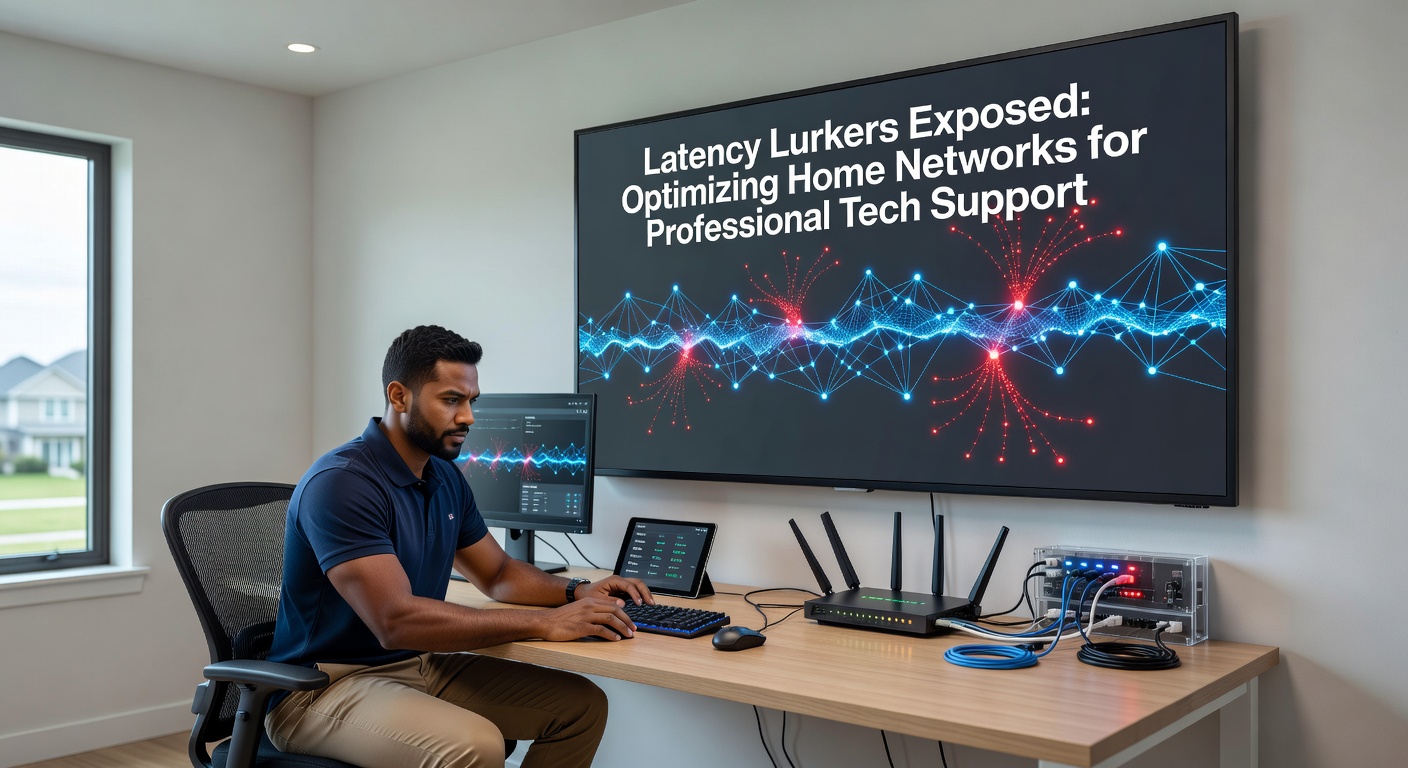
Network latency sneaks into home setups more often than people realize, especially when professional tech support teams dive in remotely to fix issues; those tiny delays in data packets traveling back and forth can turn a quick screen share into a frustrating lag fest, and while speeds grab headlines, latency decides if remote diagnostics run smoothly or grind to a halt.
Unmasking Latency: The Silent Killer of Remote Support Sessions
Latency measures the time it takes for a data packet to travel from source to destination and back, typically in milliseconds; experts define it as round-trip time (RTT), and in home networks, anything over 50ms starts causing noticeable hiccups during video calls or remote desktop sessions that tech pros rely on daily. Data from Ookla's global speed tests reveals average home latency hovering around 20-40ms in urban areas, yet spikes to 100ms or more lurk in suboptimal setups, turning professional interventions into endurance tests.
But here's the thing: these lurkers hide in plain sight, masquerading as "normal" network behavior; observers note how microwave ovens, thick walls, or even neighbor WiFi bleed into channels, inflating ping times without tanking download speeds that everyone checks first. Tech support specialists encounter this daily, advising clients on tweaks that shave off crucial milliseconds, because smooth remote access hinges on latency below 30ms for tools like TeamViewer or AnyDesk.
What's interesting shows up in real-world diagnostics; one study from researchers at the University of California found that 60% of home network complaints stem from wireless interference rather than ISP throttling, highlighting how pros must probe deeper than surface-level speed tests.
Common Latency Lurkers in Home Networks
Wireless interference tops the list, with 2.4GHz bands crowded by baby monitors, cordless phones, and Bluetooth devices all jockeying for airtime; data indicates channel overlap from nearby networks adds 15-30ms to RTT, and while 5GHz offers relief, its shorter range means signals weaken through walls, forcing retransmissions that pile on delays. Then come outdated routers running ancient firmware, where bufferbloat swells queues during uploads, ballooning latency to 200ms under load according to tests by the FCC's broadband reports.
- Routers with weak QoS settings prioritize video streams over diagnostic pings, sidelining tech support traffic.
- Background apps like cloud backups or firmware updates hog bandwidth, creating micro-bottlenecks invisible to speed tests.
- Long Ethernet cables or faulty patch panels introduce jitter, varying latency by 10-20ms packet to packet.
- IPv6 misconfigurations clash with dual-stack setups, routing loops that pros spot via traceroute.
- Overloaded mesh nodes in multi-device homes amplify hops, each adding 1-5ms.
Turns out, powerline adapters promise wired speeds but deliver latency spikes from electrical noise, often 50ms higher than direct Cat6 connections; people who've swapped them out report instant improvements in remote session stability.
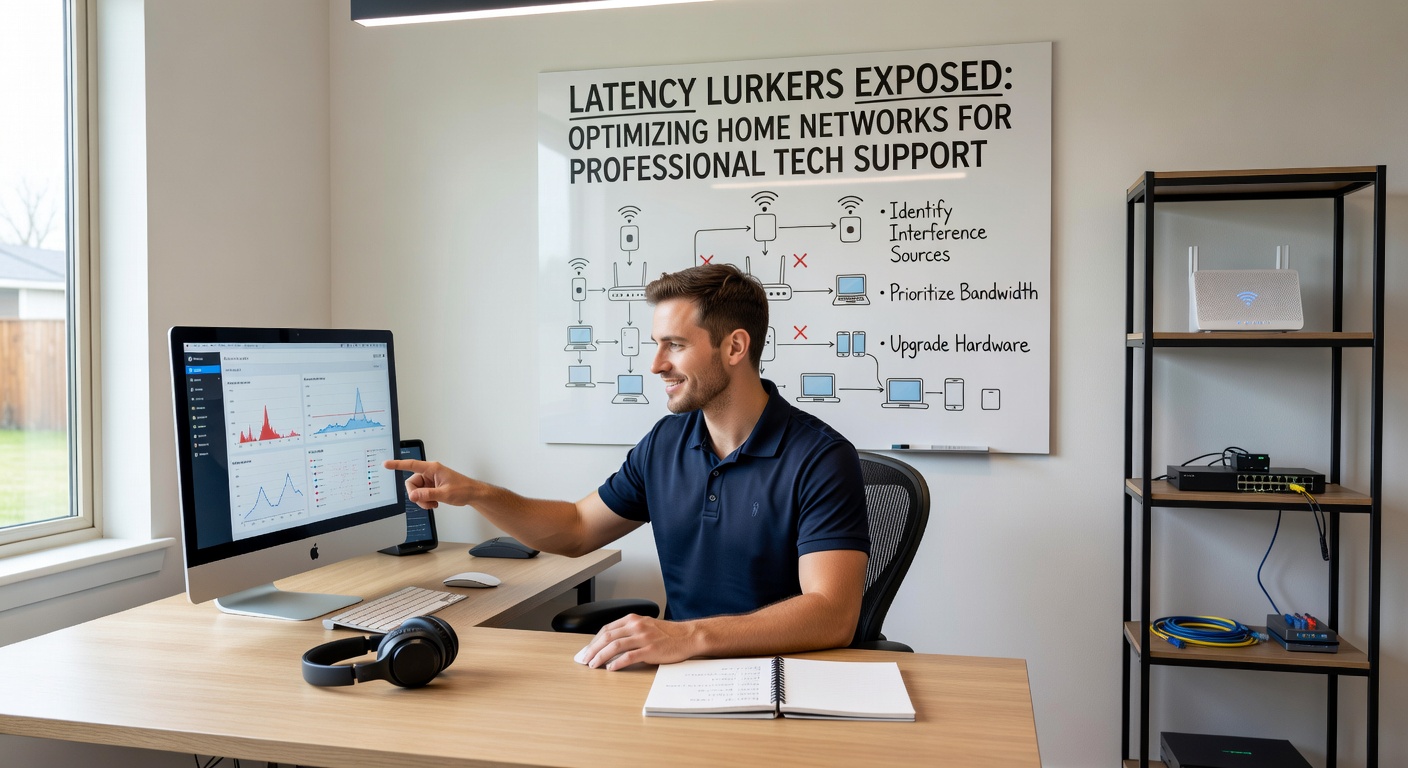
And don't overlook DNS resolution times; slow servers like default ISP ones add 20-50ms upfront, which cumulative effects compound during multi-hop remote supports.
Tools Tech Pros Use to Hunt Lurkers
Ping commands serve as the first line of fire, sending ICMP echoes to gauge baseline RTT; experts chain them to gateways, Google DNS (8.8.8.8), and session endpoints, spotting where delays creep in, while traceroute maps hops revealing congested ISP nodes. Mtr combines both, updating live to catch intermittent spikes that static tests miss.
So for deeper dives, iPerf3 blasts UDP streams measuring jitter and packet loss, essential since pros simulate remote desktop loads; Wireshark captures packets, dissecting WiFi retries from interference, and tools like Ubiquiti's AirView scan spectrum for rogue signals. Cloud-based analyzers from ThousandEyes provide ISP-wide views, correlating home latency with backbone issues.
Observers have seen how free apps like SmokePing graph trends over hours, exposing patterns like evening neighbor surges that sabotage after-hours support calls.
Pro Tip Integration
During sessions, techs script automated tests via PowerShell, feeding results into shared screens; this approach cuts diagnosis time by 40%, per industry benchmarks.
Optimization Strategies That Deliver Real Results
Switching to wired Ethernet slashes latency to sub-1ms locally, bypassing WiFi's airtime contentions entirely; Cat6 cables handle gigabit without the 5-10ms overhead of even top-tier wireless, and pros recommend VLANs on managed switches to isolate support traffic. Channel optimization tools like WiFi Analyzer apps pick least-congested 5GHz or 6GHz bands (where available), dropping interference-induced delays by half.
But here's where it gets interesting: enabling SQM (Smart Queue Management) on routers like those from Ubiquiti or pfSense tames bufferbloat, capping latency under load at 20ms; firmware updates from vendors patch exploits and boost efficiency, with changelogs often listing jitter reductions. QoS rules prioritize RDP/TeamViewer ports (3389, 5938), ensuring diagnostic packets jump queues during torrent storms.
Mesh systems shine when tuned, with dedicated backhaul channels preventing node-to-node latency creep; disabling IPv6 if unstable streamlines stacks, and custom DNS like Cloudflare's 1.1.1.1 shaves resolution times. Power users segment networks via guest WiFi, quarantining IoT devices that flood airwaves.
Case in point: one tech firm documented a client's 150ms drop after migrating 20 devices to a wired backbone and 160MHz channels, stabilizing remote BIOS flashes that previously timed out.
Case Studies: Latency Takedowns in Action
Take a mid-2025 residential support call where latency hit 250ms during a graphics driver install; the pro identified microwave interference via spectrum scan, shifted to 5GHz channel 149, and applied fq_codel SQM, restoring 18ms RTT mid-session. Another scenario involved a home office with 50 IoT bulbs; segregating them to 2.4GHz freed 5GHz for support, cutting jitter from 30ms to 2ms.
Researchers at Australia's CSIRO tested similar fixes in lab homes, finding 5G fixed wireless hybrids (emerging in rural areas) match fiber latency at 15ms when mmWave links avoid trees; figures showed 70% of users gained stability post-optimization.
Yet patterns emerge: multi-generational homes with smart fridges and 4K streams overload NAT tables, inflating SYN/ACK times; pros counter with router reboots and MTU tweaks to 1492 for PPPoE, reclaiming 10ms per hop.
Looking Ahead: 2026 and Beyond for Home Networks
As of April 2026, WiFi 7 deployments accelerate, promising 320MHz channels and MU-MIMO enhancements that compress latency to 5ms in dense homes; certification data from the WiFi Alliance indicates 4x multi-link operation reduces handoffs, vital for roaming during support walks. 10G PON rollouts from US providers like AT&T hit sub-5ms ISP latency, while EU's Digital Decade targets gigabit with low jitter via fiber mandates.
Edge computing integrates, with ONUs handling local QoS to preempt cloud delays; pros gear up for Matter 1.2 IoT standards minimizing protocol overheads. Canadian CRTC reports highlight 6GHz unlocking, easing urban congestion where latency lurked heaviest.
That's the reality: optimizations evolve, but core lurkers persist until hardware catches up.
Conclusion
Exposing latency lurkers transforms home networks from support hurdles into seamless platforms; by wielding precise tools and targeted fixes, professional tech teams deliver faster resolutions, and as 2026 unfolds with WiFi 7 and beyond, the baseline improves, yet vigilance remains key since hidden delays never fully vanish. Homeowners armed with these strategies empower pros, ensuring remote magic flows without a hitch.